Why is my campaign paused?
Written By Cold Navigator
Last updated 8 months ago
Why is my campaign paused? (Common Issues)
Sometimes, your campaign status might change to "Paused" or "Draft" unexpectedly. Here are the most common reasons and how to maximize uptime.
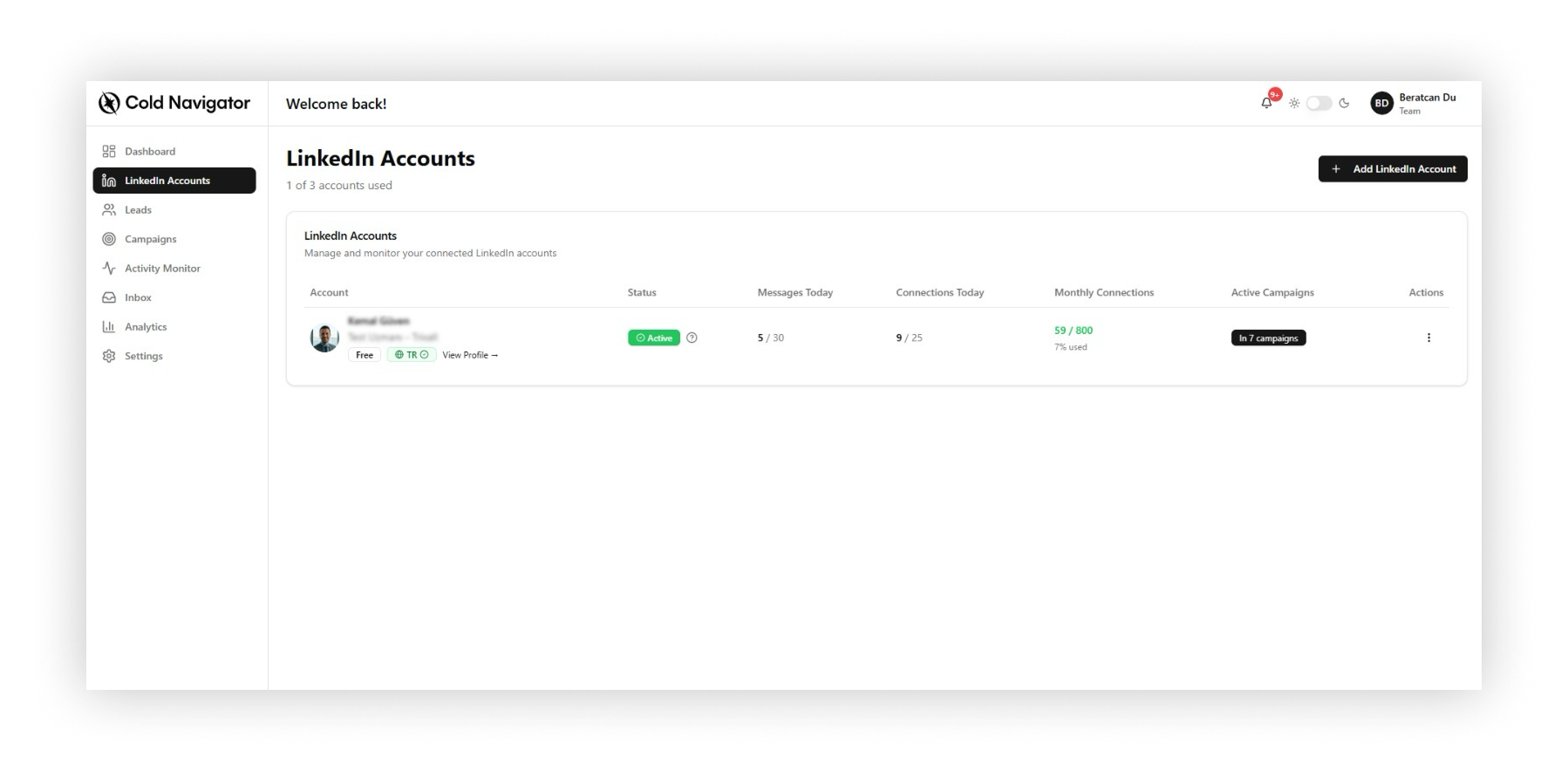
1. Daily Limit Reached
If your connected account has sent the maximum number of daily connection requests (e.g., 20/20), the campaign will automatically pause until the next day.
Fix: Wait 24 hours. No action needed.
2. Disconnected LinkedIn Account
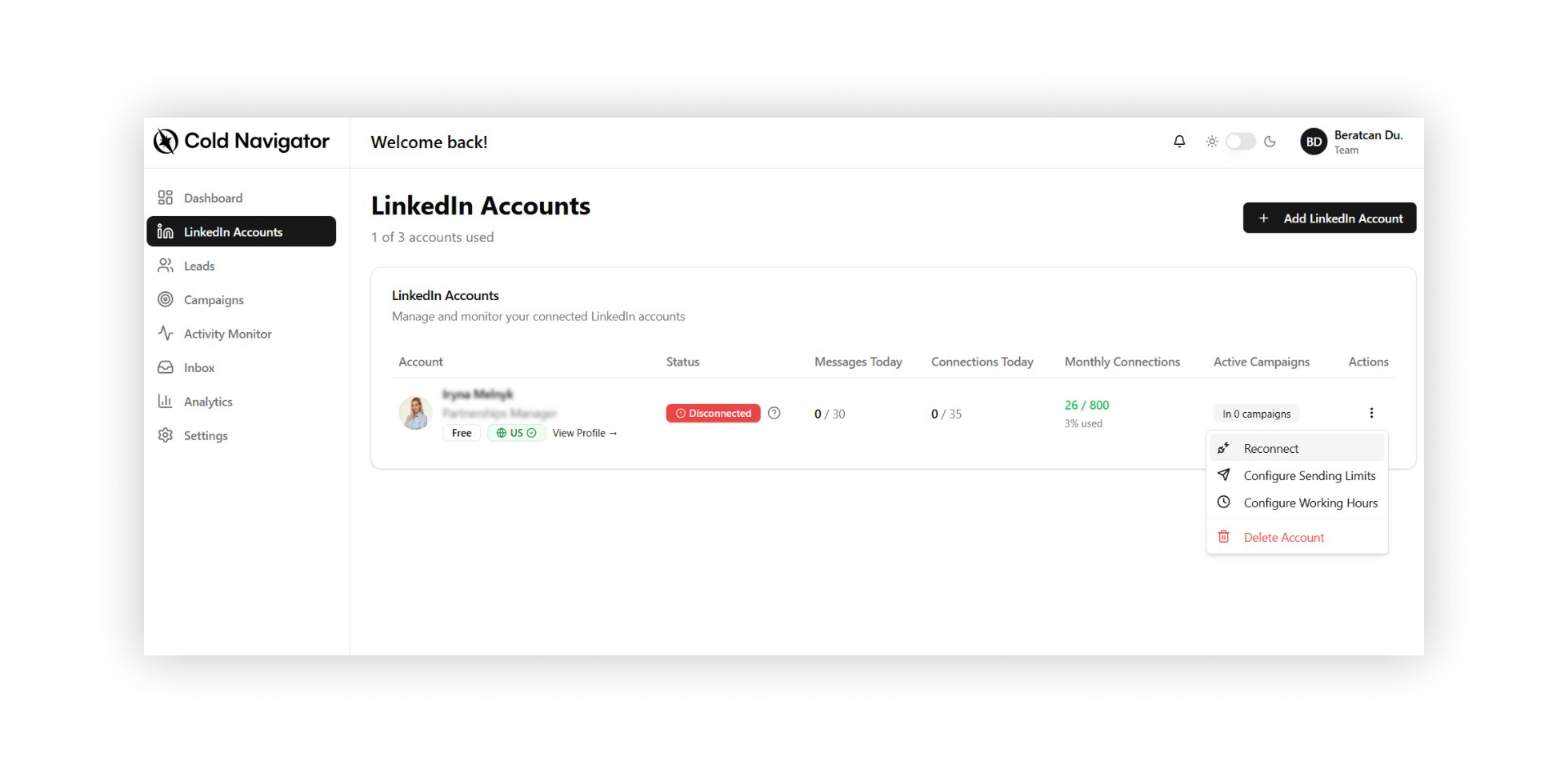
If your LinkedIn password changed or the session expired, Cold Navigator can no longer access your account.
Fix: Go to "LinkedIn Accounts" and click "Reconnect". Entering your pin again will restore the connection.
3. Missing Lead Lists
A campaign needs leads to run. if you selected a Lead List that is empty or has been deleted, the campaign will stop.
Fix: Check your campaign settings. Ensure a valid Lead List is selected and contains active prospects.
4. Manual Pause by User
Sometimes, you might have clicked the pause button yourself to edit the campaign.
Fix: Just click "Resume" or the "Play" icon on the campaign card.
Was this helpful?
Still need help? Ask the team